Static MCP
Route to a Model Context Protocol (MCP) server through a static address. For more information, see the About MCP topic.
Before you begin
Install and set up an agentgateway proxy.Static MCP server
Step 1: Deploy an MCP server
Deploy a Model Context Protocol (MCP) server that you want agentgateway to proxy traffic to. The following example sets up a simple MCP server with one tool, fetch, that retrieves the content of a website URL that you pass in.
Notice the following details about the Service:
appProtocol: agentgateway.dev/mcp(required): Configure your service to use the MCP protocol. This way, the agentgateway proxy uses the MCP protocol when connecting to the service.agentgateway.dev/mcp-pathannotation (optional): The default values are/ssefor the SSE protocol or/mcpfor the Streamable HTTP protocol. If you need to change the path of the MCP target endpoint, set this annotation on the Service.
kubectl apply -f- <<EOF
apiVersion: apps/v1
kind: Deployment
metadata:
  name: mcp-website-fetcher
spec:
  selector:
    matchLabels:
      app: mcp-website-fetcher
  template:
    metadata:
      labels:
        app: mcp-website-fetcher
    spec:
      containers:
      - name: mcp-website-fetcher
        image: ghcr.io/peterj/mcp-website-fetcher:main
        imagePullPolicy: Always
---
apiVersion: v1
kind: Service
metadata:
  name: mcp-website-fetcher
  labels:
    app: mcp-website-fetcher
spec:
  selector:
    app: mcp-website-fetcher
  ports:
  - port: 80
    targetPort: 8000
    appProtocol: agentgateway.dev/mcp
EOF
Step 2: Create the backend for the MCP server
Create a AgentgatewayBackend that sets up the agentgateway target details for the MCP server.
kubectl apply -f- <<EOF
apiVersion: agentgateway.dev/v1alpha1
kind: AgentgatewayBackend
metadata:
  name: mcp-backend
spec:
  mcp:
    targets:
    - name: mcp-target
      static:
        host: mcp-website-fetcher.default.svc.cluster.local
        port: 80
        protocol: SSE
EOF
Step 3: Route to the backend
Create an HTTPRoute resource that routes to the AgentgatewayBackend that you created in the previous step. Use a path match so that requests to /mcp go to the MCP backend and are not routed to an LLM or other backend.
kubectl apply -f- <<EOF
apiVersion: gateway.networking.k8s.io/v1
kind: HTTPRoute
metadata:
  name: mcp
spec:
  parentRefs:
    - name: agentgateway-proxy
      namespace: agentgateway-system
  rules:
    - matches:
      - path:
          type: PathPrefix
          value: /mcp
      backendRefs:
      - name: mcp-backend
        group: agentgateway.dev
        kind: AgentgatewayBackend
EOF
Step 4: Verify the connection
Use the MCP Inspector tool to verify that you can connect to your sample MCP server through agentgateway.
-
Get the agentgateway address.
- Cloud Provider LoadBalancer:
export INGRESS_GW_ADDRESS=$(kubectl get gateway agentgateway-proxy -n agentgateway-system -o=jsonpath="{.status.addresses[0].value}") echo $INGRESS_GW_ADDRESS - Port-forward for local testing:
kubectl port-forward deployment/agentgateway-proxy -n agentgateway-system 8080:80
- Cloud Provider LoadBalancer:
-
From the terminal, run the MCP Inspector command. Then, the MCP Inspector opens in your browser. If the MCP inspector tool does not open automatically, run
mcp-inspector.npx modelcontextprotocol/inspector#0.18.0 -
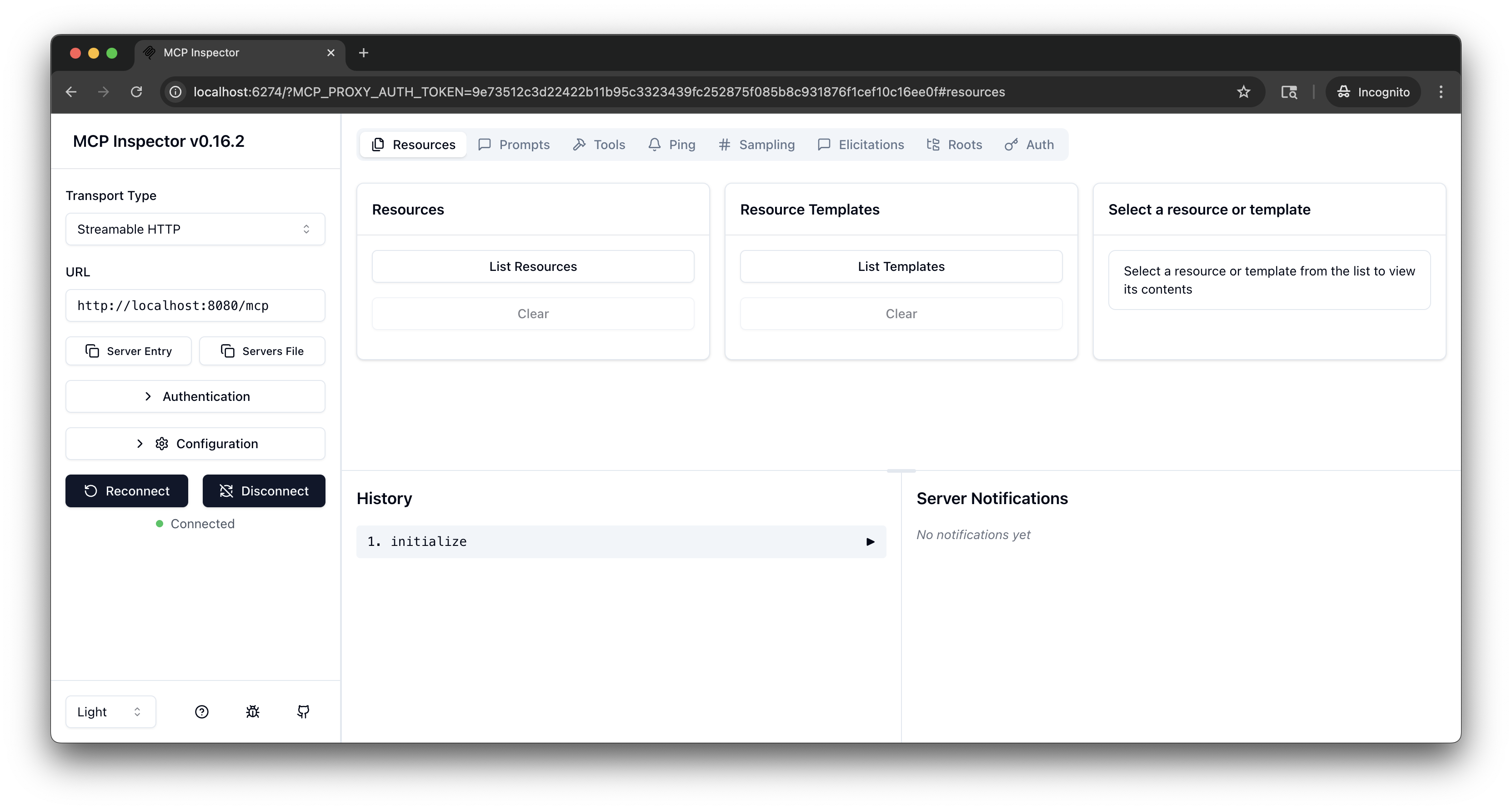
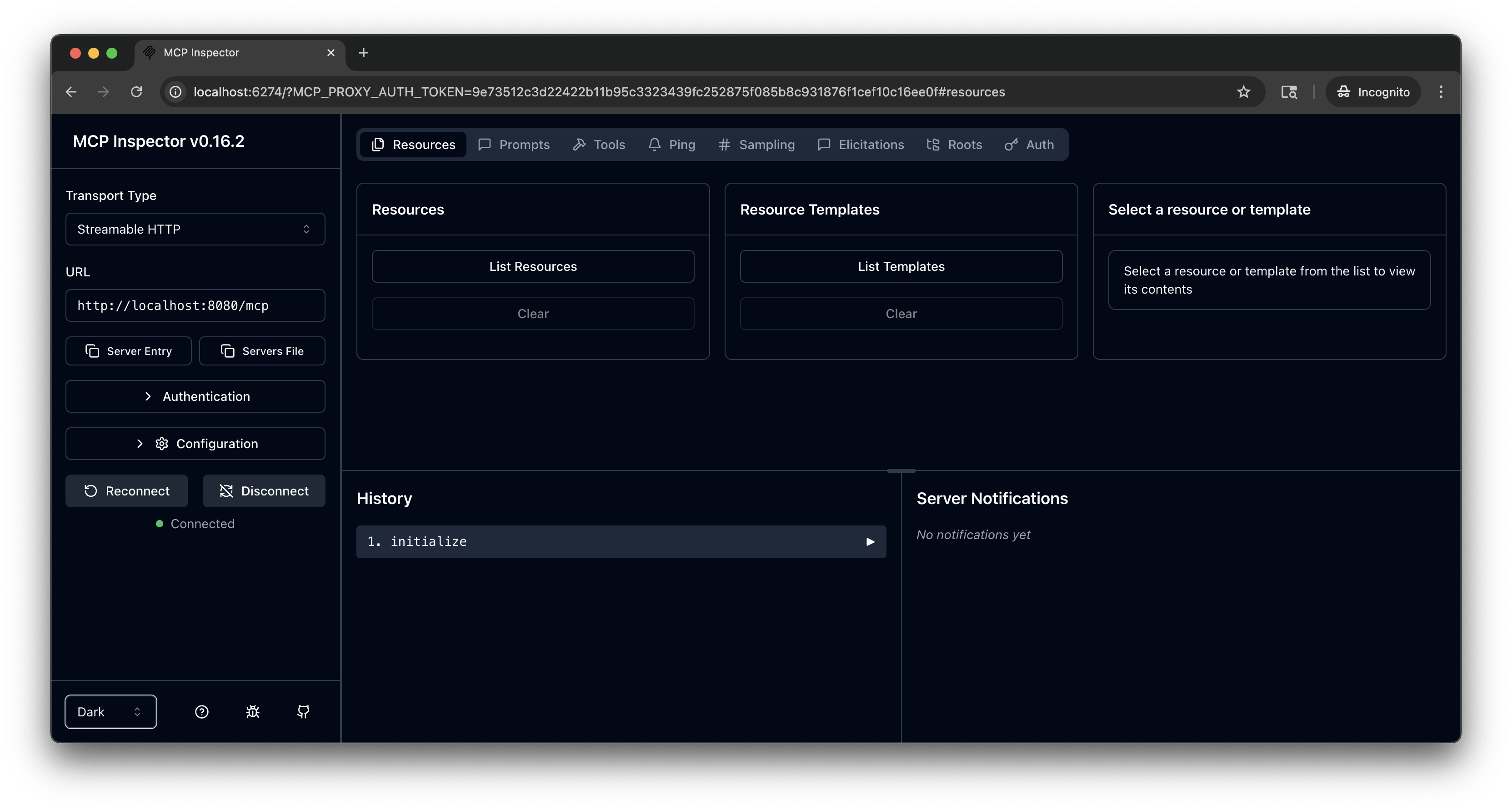
From the MCP Inspector menu, connect to your agentgateway address as follows:
- Transport Type: Select
Streamable HTTP. - URL: Enter the agentgateway address, port, and the
/mcppath. If your agentgateway proxy is exposed with a LoadBalancer server, usehttp://<lb-address>/mcp. In local test setups where you port-forwarded the agentgateway proxy on your local machine, usehttp://localhost:8080/mcp. - Click Connect.
- Transport Type: Select
-
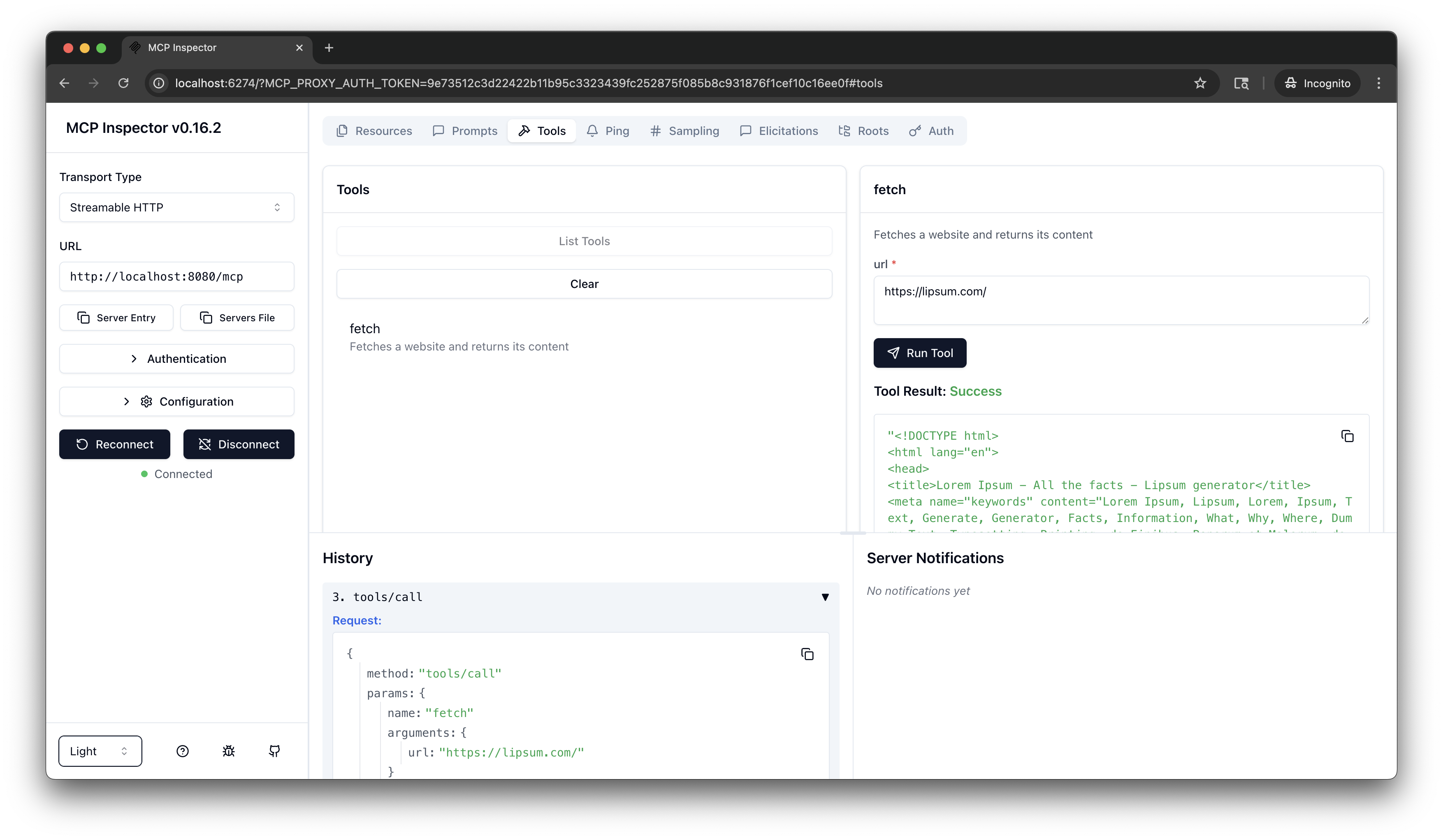
From the menu bar, click the Tools tab. Then from the Tools pane, click List Tools and select the
fetchtool. -
From the fetch pane, in the url field, enter a website URL, such as
https://lipsum.com/, and click Run Tool. -
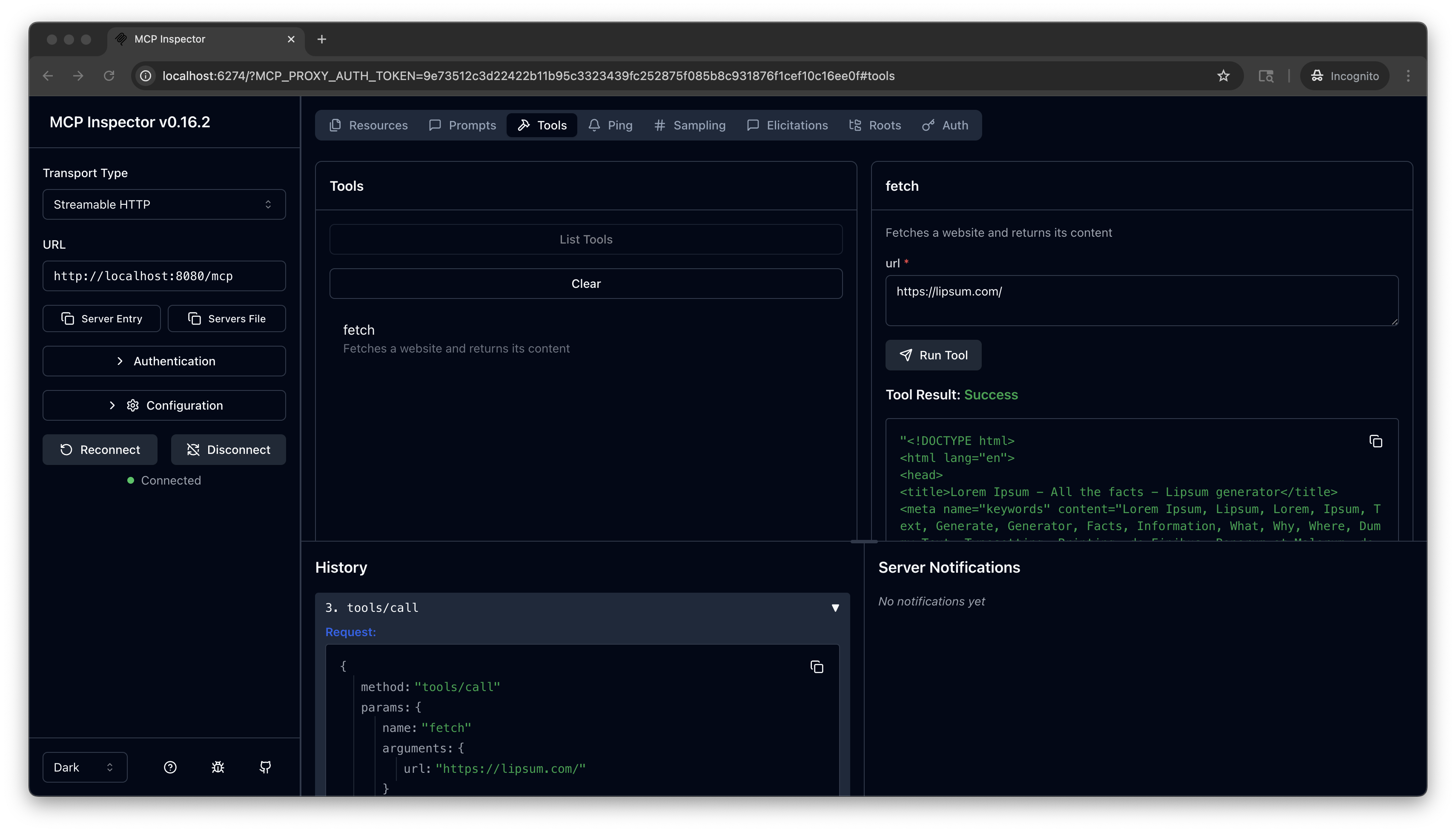
Verify that you get back the fetched URL content.
Cleanup
You can remove the resources that you created in this guide.kubectl delete Deployment mcp-website-fetcher
kubectl delete Service mcp-website-fetcher
kubectl delete AgentgatewayBackend mcp-backend
kubectl delete HTTPRoute mcp